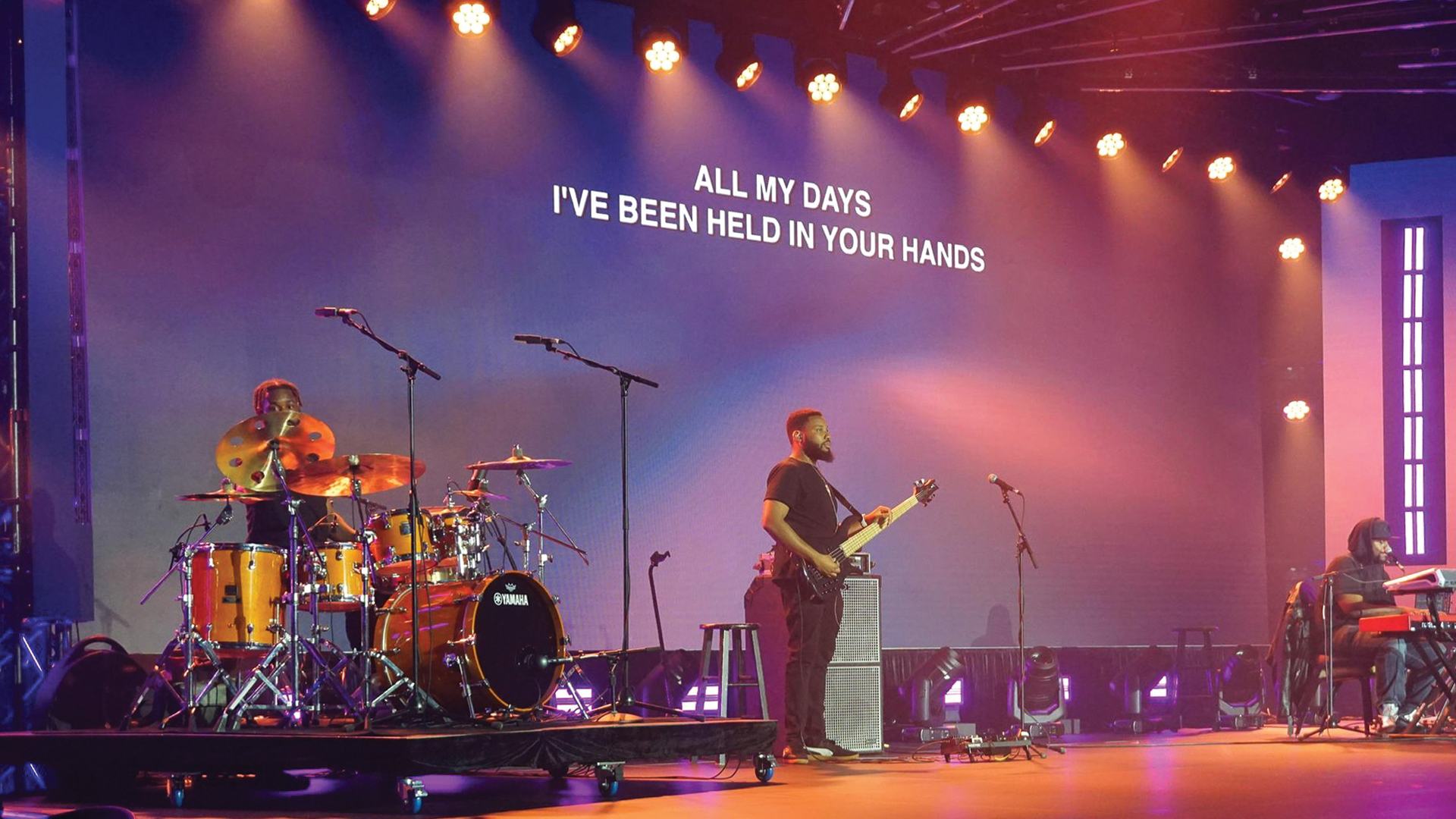
The moment a presenter walks onto a stage is one of the most technically unforgiving sequences in live production. It is the moment when every pre-show technical decision — fixture selection, follow spot operator positioning, wireless microphone setup, confidence monitor placement, lectern audio configuration — is tested simultaneously under live conditions with no ability to pause, reset, or correct in real time. Getting it right requires preparation that is far more deliberate than most productions invest in this specific transition, and getting it wrong is immediately visible to every person in the room and every camera capturing the show.
The art of preparing presenter walk-in lighting and audio has been refined across decades of corporate event production, broadcast television, and theatrical work. The workflows that major production companies apply to this challenge reflect hard-won experience about what fails, what the audience notices, and what the presenter actually needs — as distinct from what the production designer thinks the presenter needs.
Designing the Walk Path as a Technical Document
The starting point for presenter preparation is treating the presenter’s walk path as a technical design problem with specific technical requirements at each point. The walk path — from the waiting position in the wings, through the onstage entry point, to the speaking position at the lectern or center stage — should be documented with precise measurements and the lighting levels, audio monitoring availability, and sightline requirements at each stage of the journey.
This documentation drives the placement of follow spots, the programming of automated fixture cue sequences, the positioning of side-fill monitors and confidence monitors, and the configuration of the wireless microphone for the transition from backstage holding area to onstage speaking position. Productions that skip this documentation phase discover its importance when a presenter walks into a dark entry point, a feedback-prone audio configuration, or a confidence monitor that can only be read from the wrong angle.
Follow Spot Operation for Presenter Entry
Follow spot operation for a presenter walk-in is one of the most technically precise applications of the role. The follow spot operator must pick up the presenter at the entry point — often a dimly lit wings position — hold a consistent size and color as the presenter moves across the stage, and position the beam to complement the key lighting rather than fight it. A follow spot that is positioned even slightly too high or too low relative to the presenter’s face will wash out their eyes or cut off their chin on camera — mistakes that are invisible to the operator’s naked eye but immediately visible on any camera in the room.
The most capable follow spot operators work with the director of photography or video director during rehearsal to calibrate their beam size and iris setting against the camera’s field of view — understanding that the follow spot’s job on a broadcast or IMAG production is ultimately to serve the camera image, not the naked-eye view from the audience. Fixtures like the Robert Juliat Lancelot, Lycian Superstar, and Robe BMFL FollowSpot LT are the professional standards in this application — chosen for their precise iris control, smooth color mixing, and consistent output that holds across the long throws required in large venues.
Wireless Microphone Handoff Protocols
The wireless microphone handoff — the moment when a crew member passes a microphone to a presenter in the wings — is a failure point that is completely preventable with proper protocol but regularly produces problems on productions that treat it as an informal process. A complete wireless handoff protocol covers: microphone is on and muted at handoff, RF signal is confirmed green on the receiver, battery status is confirmed above minimum threshold, the mic is positioned correctly on the presenter’s body before they walk, and the audio engineer at FOH confirms the channel is open and ready before the presenter enters.
For presentations using headset microphones — DPA 4088, Countryman B3, or Shure WB98H/C — the placement discipline during the handoff is critical. A headset mic that is 5mm out of position from the optimal placement creates a level and tone change relative to the rehearsal check that the audio engineer must compensate for in real time. The most professional mic tech workflows include a physical placement template — a measurement from a facial reference point — that ensures consistent positioning across all presenter walk-ons regardless of which tech is handling the handoff.
Confidence Monitor Placement and Content
Confidence monitors — the screens visible to the presenter from the stage position — serve multiple functions: script prompting, presentation slide mirroring, and time management. Their positioning must account for the presenter’s natural sightline from the speaking position, which varies depending on whether the presenter works with their head up or down, whether they use a physical lectern or a roaming mic configuration, and whether the teleprompter system is on-axis or off-axis from the camera position.
Teleprompter integration on a presenter walk-in production adds a layer of coordination between the production’s Qlab or disguise system and the teleprompter operator — the script must be cued correctly in the teleprompter at the moment the presenter reaches the speaking position. Autocue/QTV systems and Prompter People ROBO systems are the professional standards in this application. The handoff moment — confirming that the teleprompter is at the correct script position as the presenter walks on — is a coordination point that must be practiced in rehearsal, not improvised live.
In-Ear Monitoring for Presenters
Many experienced presenters use in-ear monitoring systems during their presentations — receiving a mix that includes a confidence feed of their own voice, a program feed for video playback sections, and sometimes a stage manager or director communication channel for show notes. Configuring this mix correctly requires understanding each presenter’s specific preferences — preferences that professional presenters who work regularly with production teams have documented in their technical rider.
The in-ear system should be confirmed operational and at the correct mix balance before the presenter leaves the holding position. A presenter who walks out with an IEM mix that is too loud in one ear, or that is delivering a mix configuration they didn’t request, will be cognitively distracted by it throughout their presentation — an invisible technical failure that degrades their performance without anyone in the audience understanding why.
